Follow a practical event day operations checklist for venue checks, staff, ticket scanning, security, live production, guest exit, and reporting.
Event day has a peculiar habit of magnifying minor details into major ones. One scanner suddenly goes offline. One performer arrives through the wrong entrance. One sign points guests toward the staff door. Suddenly, three people have radios in their hands asking the same question.
Good event day operations reduce those moments.
Weeks of planning finally meet real people on event day. Guests arrive at different times. Vendors need access. Performers need cues. Security watches entrances. Ticket staff deal with phones at 2% battery. Production teams have their eyes on sound, lights, and stage timing.
Someone needs to see the whole picture.
For organizers, a useful event day operations checklist creates a shared plan for the people responsible for making the event happen. Keep it practical. Give people names, times, locations, phone numbers, and clear responsibilities.
Here is what we would check.

Why an Event Day Operations Plan Matters
Planning the event day means deciding who handles what and when.
Your event operations plan should cover the venue schedule, team contacts, staff briefing, guest access, ticket verification, production timing, security procedures, performer movement, and closing duties.
Keep the event run sheet easy to read. People should be able to look at it during a busy moment and find an answer within seconds.
Assign one person to lead event operations. Department leads should know who has final authority for decisions connected to their area.
Clear ownership saves time when plans change.
Final Venue Inspection Prior to Guest Arrival
Walk the venue like a guest.
Start outside. Check parking information, pedestrian access, drop-off areas, and entrance signs. Continue through the ticket checkpoint and guest areas.
Check restrooms. Check VIP areas. Check backstage access.
Look for anything guests could misunderstand.
Venue coordination should include delivery areas and vendor access points, too. Event logistics become much easier when delivery drivers and production teams know exactly which gate to use.
Keep enough time for corrections prior to doors opening.

Confirm the Event Timeline and Run Sheet
Your event day schedule needs real times.
Record staff call time, vendor arrivals, technical checks, performer calls, doors open, show start, breaks, closing time, and venue handover.
Someone should own the current run sheet.
Send the final version to department heads and keep copies accessible to people
who need them. Last-minute updates should pass through one communication channel so teams work from the same information.
Timing becomes particularly sensitive around stage management. Five minutes lost early can create twenty minutes of pressure later.
Brief Staff, Vendors, and Operational Teams
Gather team leads for one practical staff briefing.
Cover responsibilities and access areas. Confirm contact points. Explain escalation paths.
Ticket staff need to know where difficult entry questions go. Security needs the correct organizer contact. Vendors need load-in instructions. Backstage teams need performer schedules.
Keep the briefing grounded in actual event-day situations.
Ask one question: “If something happens in your area, who do you call?”
People should know the answer.
Test Ticket Scanning and Attendee Check-In Systems
Ticket scanning deserves a real test with real devices.
Open the attendee registration system. Scan valid QR code tickets. Check staff access and device connections. Review what the screen shows for a valid ticket and how staff should deal with a ticket requiring further review.
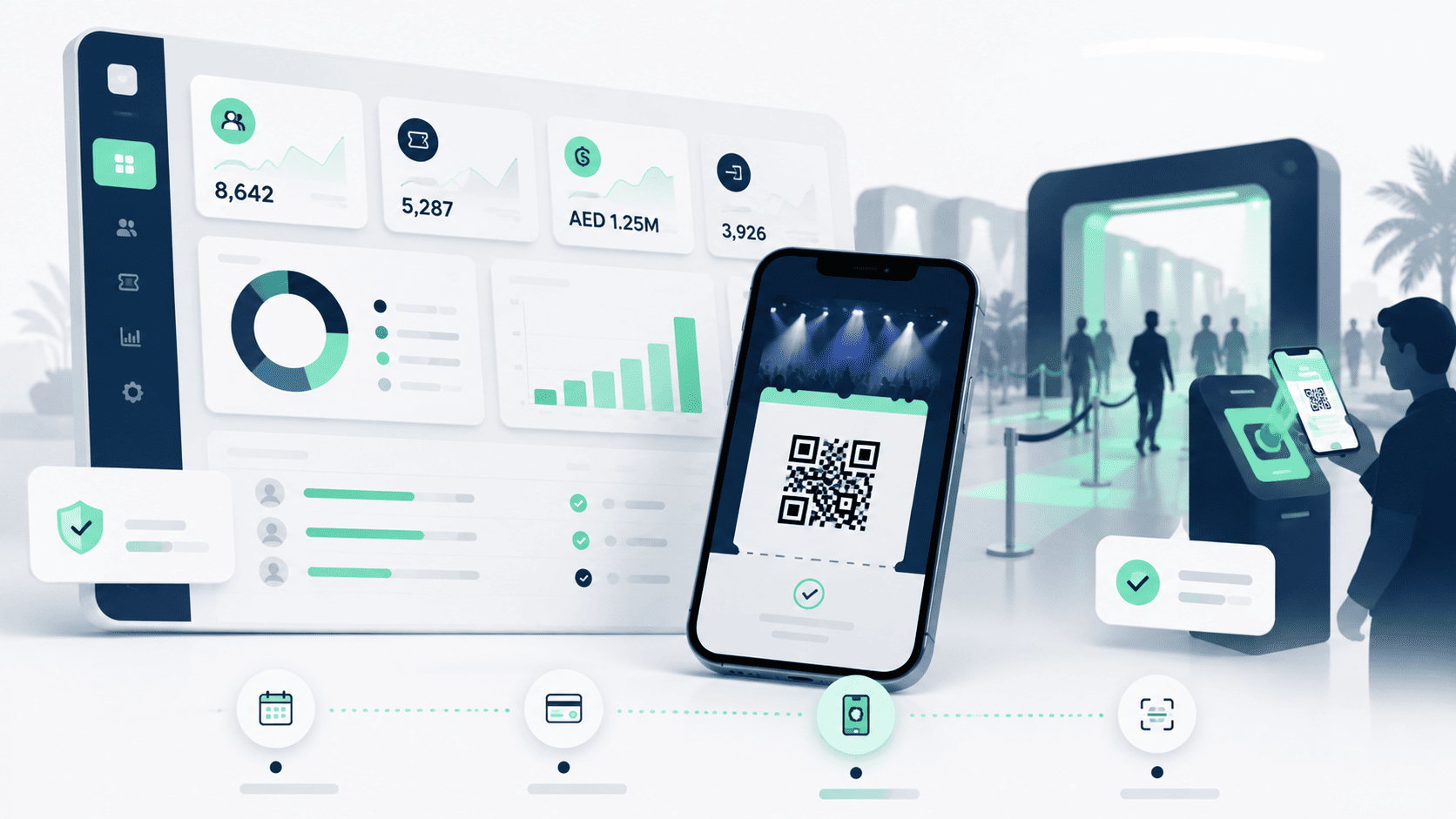
Someone’s Ticket separates its mobile-facing ticket verification service from the public ticket storefront. The architecture gives Scanner its own application layer and ScannerHub, while QR verification connects to ticket records through the platform’s state system. The separation was designed so that venue-door operations can remain available independently from the storefront.
Prepare charged devices and power banks.
Your check-in team should know their positions before the first guest reaches the
entrance.

Inspect the Stage, Lighting, Sound, and Technical Equipment
Production teams should run a full technical setup check.
Test microphones. Test playback. Review lighting cues. Check screens and presentation files.
Stage managers should confirm cue sheets and performer positions. Audiovisual equipment should already match the latest production requirements.
Keep backup microphones and replacement cables accessible.
Technical teams should know who can approve a show hold if a technical issue affects guest safety or performance delivery.

Organize Entrances, Queues, and Crowd Movement
Guests need to understand where to go.
Separate entry lanes can help when an event has VIP tickets and general admission. Staff should know which ticket types belong at each checkpoint.
Queue management starts outside the scanner line. Position signs where people make decisions.
Crowd management deserves special attention around door openings and headline performance times. Arrival traffic often comes in waves.
Watch those waves. Move staff when another lane needs help.
Confirm Security, Safety, and Emergency Procedures
Security teams need a direct briefing with event management.
Review emergency exits and medical locations. Confirm evacuation responsibilities and emergency contacts.
Health and safety checks should cover guest areas and staff-only zones.
Event security personnel need access to information for performers and VIP guests. Security supervisors should know the event organizer’s decision chain.
Emergency planning works best when people understand their own role clearly.
Prepare Signage and Guest Information Points
Guests ask predictable questions.
“Where is the entrance?”
“Where is VIP?”
“Where are the restrooms?”
“Which way is the stage?”
Good event signage answers many questions early.
Place guest information points near high-traffic areas. Staff working there need current event details and venue information.
Parking and transportation guidance deserves clear signs, too.
People arrive happier when finding the right place feels easy.
Coordinate Speakers, Performers, and VIP Arrivals
Speakers and performers should have a named contact.
Backstage operations need arrival times and access details. Confirm dressing areas and technical requirements. Review stage call times.
VIP management needs similar planning. Decide who greets VIP guests and where they enter.
Keep the artist movement separate from the public guest flow when the venue layout permits it.
One late performer can change several cues. Production teams need fast information when arrival times shift.
Monitor Live Operations and Team Communication
Once doors open, the planning document becomes a live operations guide.
Keep department leads reachable.
Watch ticket entry and crowd flow. Check production timing. Follow venue activity.
Real-time communication works best when people use agreed channels. Radios may cover venue operations, while another channel handles organizer updates.
Avoid filling team communications with information that belongs to one department.
Short messages work.
“VIP entrance needs one more scanner.”
“Artist has arrived.”
“Doors open in five.”
People can act on those.

Handle Delays, Technical Problems, and Unexpected Changes
Something will change. Events have humans, machines, schedules, traffic, and weather involved.
Contingency planning gives organizers prepared responses for likely problems.
Keep backup equipment ready where practical. Know which sections of the run
sheet can move. Give department heads authority for routine fixes.
Major changes should reach the operations lead quickly.
Guests usually care less about the internal problem than the way the team responds to it.
Calm teams make better decisions.
Manage Event Closing and Attendee Exit
Closing needs its own plan.
Guest exit can produce another large crowd wave. Security and event staff should guide people toward exits, parking areas, and transportation points.
Ticket teams may need to answer final questions. VIP teams may handle separate departures.
Production shutdown begins according to the venue schedule.
Vendor load-out should follow agreed access times.
Keep staff present until the guest areas have cleared.
The final thirty minutes still belong to the event.
Complete the Post-Event Review and Reporting
Useful event management continues after guests leave.
Collect attendance numbers and ticket scan data. Review ticket sales. Compare registrations against actual attendance.
Someone’s Ticket architecture includes QR-based ticket verification through a dedicated Scanner service, while ticket lookup records connect QR verification to each event. Those records give ticketing teams a technical basis for reviewing entry activity after the event.
Ask department leads what worked and what created friction.
Review vendor performance and operational timing. Record technical problems while details remain fresh.
Keep the notes specific.
“VIP lane needed two scanners between 7:30 and 8:00 PM” gives the next event team something useful.
Event day rarely rewards vague planning. People need times, names, devices, access points, and direct answers.
Someone’s Ticket handles one particularly sensitive part of that day: getting valid ticket holders through the entrance. Digital tickets, QR verification, and a scanner application built separately from the storefront give organizers a ticketing system designed around the reality of event entry.
The rest comes down to people knowing their jobs and talking to one another when the doors open.
Barbaros Bugra
Event Management