Check official ticket sellers and payment details for UAE events. Learn how to verify your booking and request help through the seller’s support channel.
The ticket link in a group chat deserves a separate check, especially when friends are trying to reserve seats for the same performance. Start with the venue’s published event page and follow its ticket purchase link. If the advertised seller differs from the destination you reach, pause the purchase and ask the venue to confirm the correct address.
For people preparing to buy event tickets safely in the UAE, that initial check establishes who is offering the admission and where the payment belongs. Continue by reviewing the ticket’s conditions and confirming the order after checkout. Keep the purchase within a route that you have verified for that particular event.
Find the Seller Through the Actual Event
Use the organizer’s official announcement or the venue’s own calendar to identify the ticket seller appointed for your chosen performance. Search results help locate a page, but the organizer’s published link provides the event-specific connection. Compare the venue and date with your plans, particularly when an artist has several regional appearances.
West Yorkshire Police’s ticket-buying guidance directs purchasers toward official sellers, with venue box offices among the recommended routes. For a UAE event, identify the relevant local seller using the event’s published information. Recognition alone does not verify the event-specific sales arrangement, so check with the appointed seller for your intended performance.
Read the event page’s organizer information alongside the seller’s contact details, so you know whom to approach for a booking question. Someone’s Ticket’s public terms describe the company’s ticketing infrastructure and distinguish its role from event production. Questions concerning a ticket order belong with the identified seller; program arrangements require the responsible organizer’s confirmation.

Inspect the Address After Opening the Link
Once a ticket page opens, inspect the complete website address in your browser and compare it with the destination linked by the official event announcement. Pay particular attention to small spelling changes. Copycat pages can imitate a familiar company’s presentation, so a recognizable image offers limited reassurance.
The UAE Cyber Security Council’s Stay Safe website allows visitors to check a suspicious address against several information sources. Its published explanation acknowledges that newly created scams may escape detection. Use the result alongside your independent check of the event’s authorized sales route, with unresolved discrepancies referred to the venue.
If a message advertises a special allocation through a different address, confirm the offer through contact details obtained from the official website. Keep that inquiry separate from the message sender’s own contact information. The event team needs the advertised offer and its destination to assess the claim.

Read What the Ticket Actually Includes
Confirm the performance date and selected ticket category on the purchase page, especially when the event has separate sessions available for sale. Review any age condition that affects your group. For reserved seating, compare the selected seats with the venue’s published layout and check whether your companions are booking the intended section.
The lowest advertised price may apply to a different date or a restricted category, so compare the admission being offered ahead of choosing between prices. Check the final payable amount once the seller has displayed the applicable fees. Optional purchases deserve their own decision, particularly when the booking includes extras unrelated to admission.
Read the event’s cancellation and transfer terms while the purchase details remain available for review, then save a copy with the order information. Transfer permission varies by event. If a friend plans to attend in your place, ask the seller which procedure applies to the ticket you are considering.
Pause When the Purchase Route Changes
Pressure to move a conversation from a published checkout into a private payment request deserves a pause, particularly when the explanation refers to a disappearing allocation. Return to the verified seller’s website to check the offer. Genuine time limits still allow you to examine the seller’s identity and the amount you are authorizing.
Canada’s Competition Bureau identifies unusual payment requests and high-pressure sales tactics among ticket-fraud warning signs in its consumer guidance. The same resource advises buyers to retain receipts and confirmation messages. Consumer remedies following a purchase require a jurisdiction-specific assessment.
For a UAE purchase, ask your card issuer which dispute procedures apply to your particular payment method if you need that information. Recovery depends on the transaction’s circumstances and the issuer’s applicable terms. Treat promises from a private seller concerning guaranteed reimbursement as claims requiring independent confirmation.
Keep Authentication Within the Verified Payment
Review the amount shown during payment authentication against the total you approved at checkout, and verify the currency matches. If a merchant name differs from the ticket seller’s public name, ask the seller to explain the relationship through its verified support channel. Resume only after the payment destination has been established.
ADCB’s mobile-safety advice tells customers to keep authentication credentials private and obtain applications through official stores. Apply that caution when someone claiming to provide ticket support requests a one-time code. Enter authentication information only within the legitimate process for the payment you initiated, and keep it private from callers or chat contacts.
Device access requests need similar scrutiny when a supposed support agent offers to complete a ticket purchase on your behalf. End an unexpected remote-access request and contact the seller through its published support route. Your own bank’s official contact details provide the appropriate route for questions concerning payment authorization.
Confirm the Booking After Checkout
After payment, review the seller’s order confirmation against the ticket quantity and performance you intended to purchase. Look for the stated delivery method. If the seller schedules ticket delivery for a later date, retain that instruction with the order reference so you can follow up at the appropriate point.
When checkout ends unexpectedly, or the confirmation message fails to arrive, check the booking status separately from the payment notification. Use the seller’s published support channel to establish whether the order succeeded. Ask for the current ticket status before making another purchase to avoid an unintended duplicate booking.
For Someone’s Ticket orders, the public contact page asks ticket holders to provide the order number and event name when requesting assistance with a missing pass. Send those details through the verified contact route. Keep payment credentials private throughout the inquiry, and retain the support response alongside the purchase record.

Check the Accepted Ticket Format
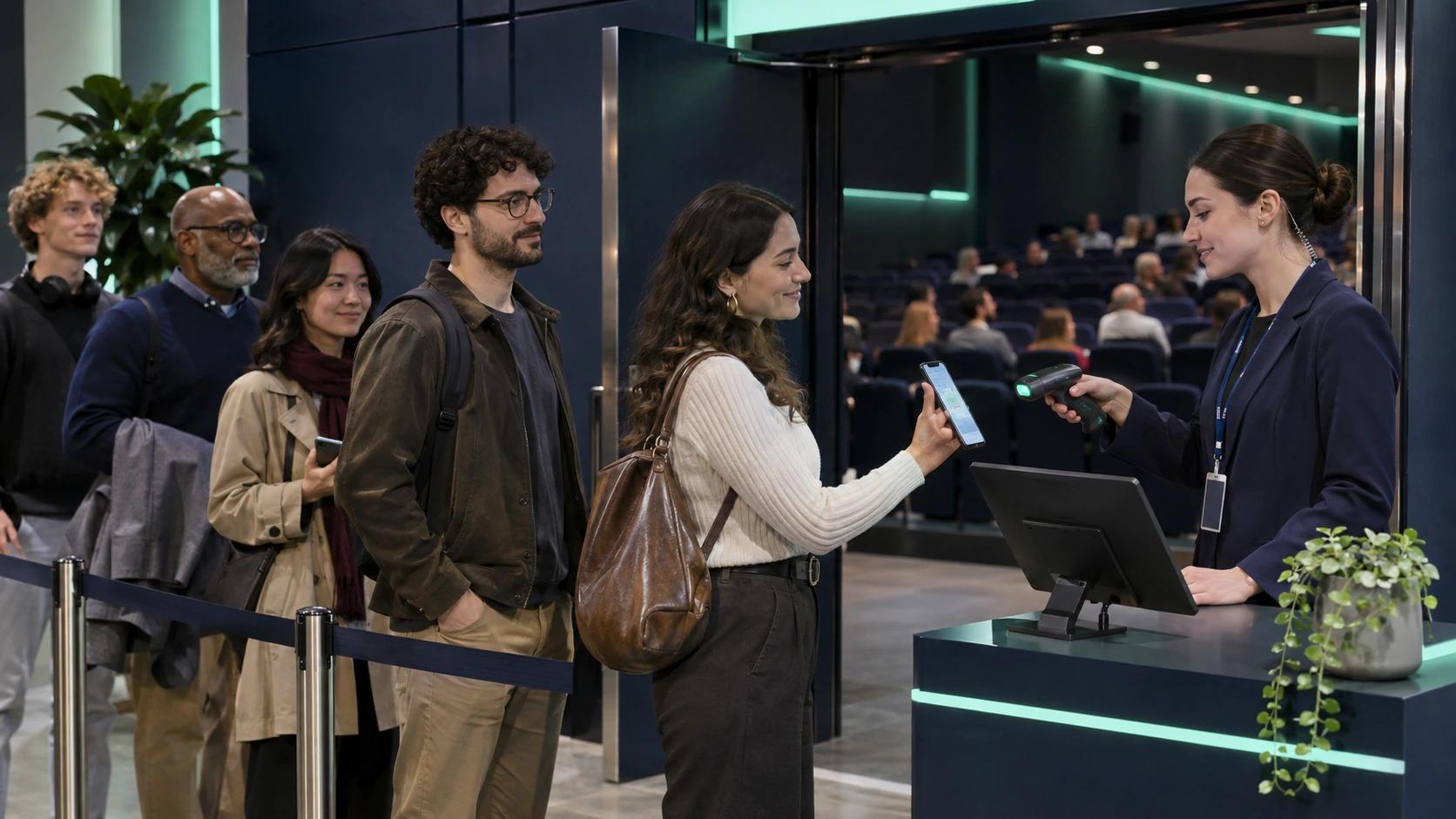
Read the issuer’s admission instructions after the ticket arrives, with particular attention to whether entry requires an application or accepts a saved PDF. The appropriate display method follows the event’s actual ticket format. Charge your phone ahead of departure and keep the issued ticket accessible in the permitted form.
Someone’s Ticket’s explanation of QR ticket verification describes how admission staff assesses a credential against the event’s rules after reading its code. Images received from another person still need confirmation through the issuer’s permitted transfer process. Keep your ticket code private, and share admission access only through the procedure approved for that event.

Questions Ticket Buyers Ask
How Do You Confirm an Official Ticket Seller?
Follow the purchase link on the venue’s or organizer’s verified event page, then compare the seller’s destination with the address in your browser. If the announcement names several sellers, confirm that your chosen platform appears among them. Ask the event team to resolve any mismatch ahead of payment.
Is a Purchase Receipt Enough for Admission?
Your receipt helps the seller investigate the purchase; entry follows the event’s accepted credential requirements and its admission procedure. Review the delivery instructions attached to your order. If the issued ticket remains missing, request assistance through the seller’s verified support channel with your booking reference.
What Should You Do After a Suspicious Payment?
Contact your bank through its official app or published telephone number as soon as you identify a suspicious transaction, and explain what happened. Retain the payment reference and relevant correspondence for the inquiry. The bank can advise on the available account-protection measures and the applicable dispute process.
Get Help Through the Verified Seller
If your purchase involves Someone’s Ticket, use the company’s ticket-holder assistance page to ask a specific question concerning your booking or the accepted admission format. Include the event name and relevant order reference in the inquiry. Keep the response with your confirmation so the information remains available when preparing for the event.
Admin
Event Ticketing