
Review QR code event ticketing through digital ticket issuance and admission checks, with guidance on duplicate scans and connectivity for your event.
QR code event ticketing links a guest’s digital ticket to an admission decision, so a successful camera reading is only part of the entrance check. Once the code is read, the ticketing application must assess the ticket against the event’s admission rules. Staff need to recognize the resulting message and follow the agreed response. For an organizer, the useful demonstration includes a repeat attempt after the ticket’s first admission.
Your ticketing brief needs to describe what a valid ticket permits at the entrance and any restrictions attached to its date or category. In Someone’s Ticket’s platform overview, the company describes digital passes and mobile ticket checks against a live database. Confirm event-specific arrangements with the provider during preparation.
Connect the Digital Ticket to an Admission Right
Once an order qualifies for ticket issuance, the provider creates the admission record and supplies the guest with the format accepted for the event. For a paid booking, reconcile issuance against the confirmed order status. Complimentary tickets require their own authorized issuance procedure. If a purchase covers several admissions, the delivery message needs to explain how those tickets will appear and how the group will enter.
The QR code carries machine-readable data that a ticketing application uses for verification, in accordance with the provider’s chosen design and security arrangements. Ask the provider which ticket format guests must present. Some events accept a PDF displayed on a phone or printed on paper. For app-based credentials whose displayed codes change, the guest needs the issuer’s supported display method at admission.
Separate a Readable Code from a Valid Ticket
When the scanner reads a code, the application still needs to determine whether the associated ticket permits admission to the currently selected event. Staff must select the correct performance when the venue hosts several sessions. If the ticket applies to another date, the response needs to identify the booking issue for assistance. Optical readability alone establishes only the scanner’s ability to decode the pattern.
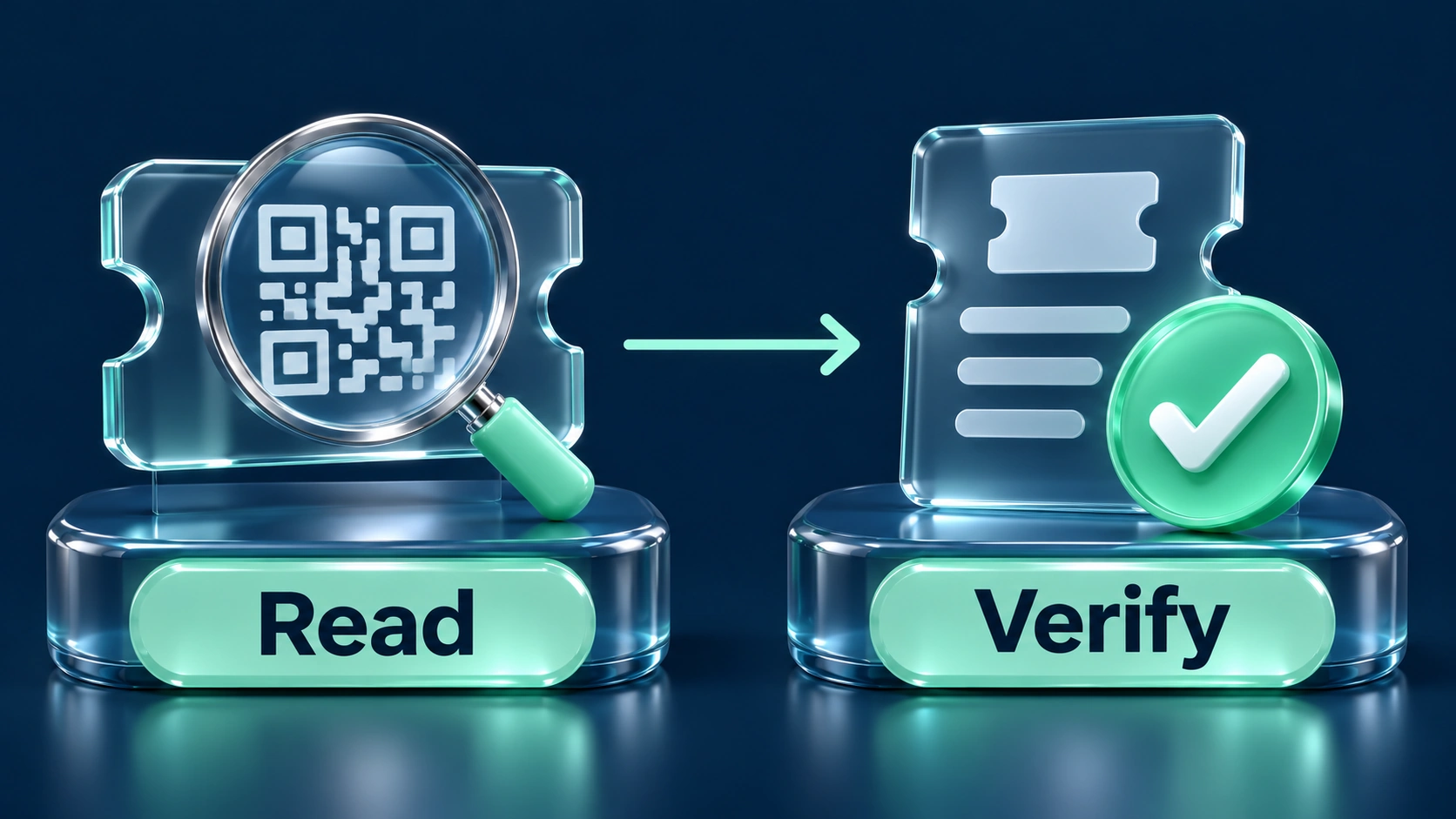
For a ticket accepted at its first admission, the rehearsal must show how the application records use and responds to another attempt. Confirm the second response on a different device used for the same event. The provider must explain when the devices receive updated admission information. When the entrance is busy, staff need the current result and access to an authorized colleague for disputed scans.
Repeat-use messages require investigation against the admission history, especially when a guest reports an accidental scan or presents a ticket received through an approved transfer. For the supervisor’s inquiry, retain the recorded time and relevant ticket reference. Corrections require the provider’s authorization procedure and a documented reason, since an erroneous reset risks accepting another admission against an already-used ticket.
Check Changes to the Ticket’s Validity
After a ticket is refunded or replaced, its earlier PDF may remain on a customer’s phone following the change to its admission record. In the rehearsal, compare the original credential’s response with the replacement ticket’s expected result. Staff training needs to cover the message produced by the old ticket. For related sales quantities, consult the ticket inventory guide.
Multi-day passes need admission checks against the remaining valid dates after the first visit has already been recorded in the ticketing system. Test the return visit using the event’s actual pass arrangement, with same-day re-entry assessed against a separate policy agreed with the venue. For further detail, the festival ticketing guide examines how pass dates affect admission rights across a weekend.
Preserve the QR Code’s Readability
Ticket artwork needs sufficient space around the printed QR code so a scanner can distinguish its pattern from surrounding text or graphics. In DENSO WAVE’s margin guidance, the required blank border measures four modules in width on all four sides. One module means one small square within the code. For artwork review, inspect the exported ticket at its intended display or print size.
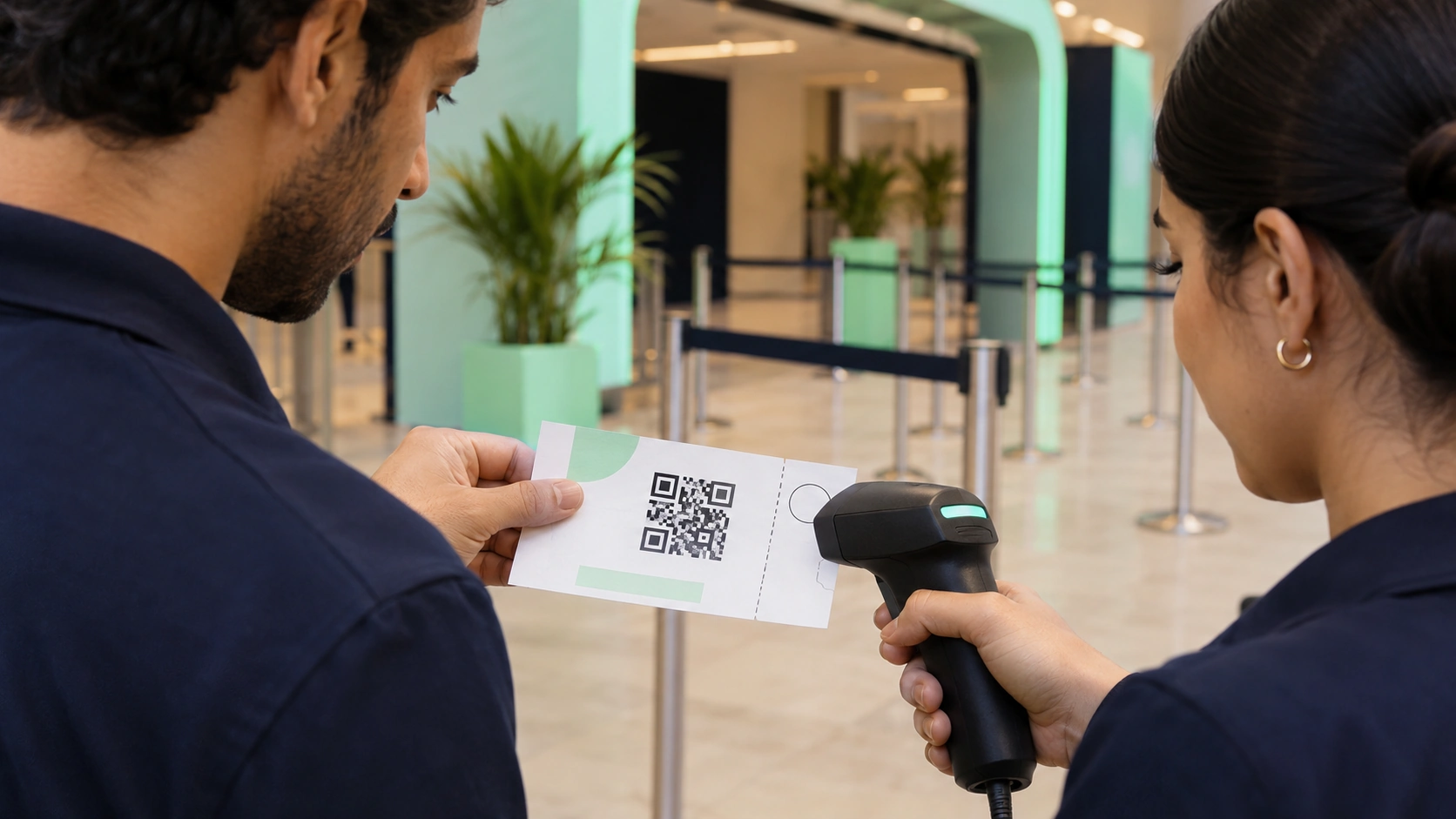
Screen glare and damaged paper affect the optical reading, so test sample tickets on the equipment staff will use at the venue. For the test, include a phone display alongside a printed ticket if both formats are accepted. The issuer’s original ticket retains the layout intended for scanning; cropping it at its margins creates avoidable reading difficulties.
Agree What Happens During a Connection Failure
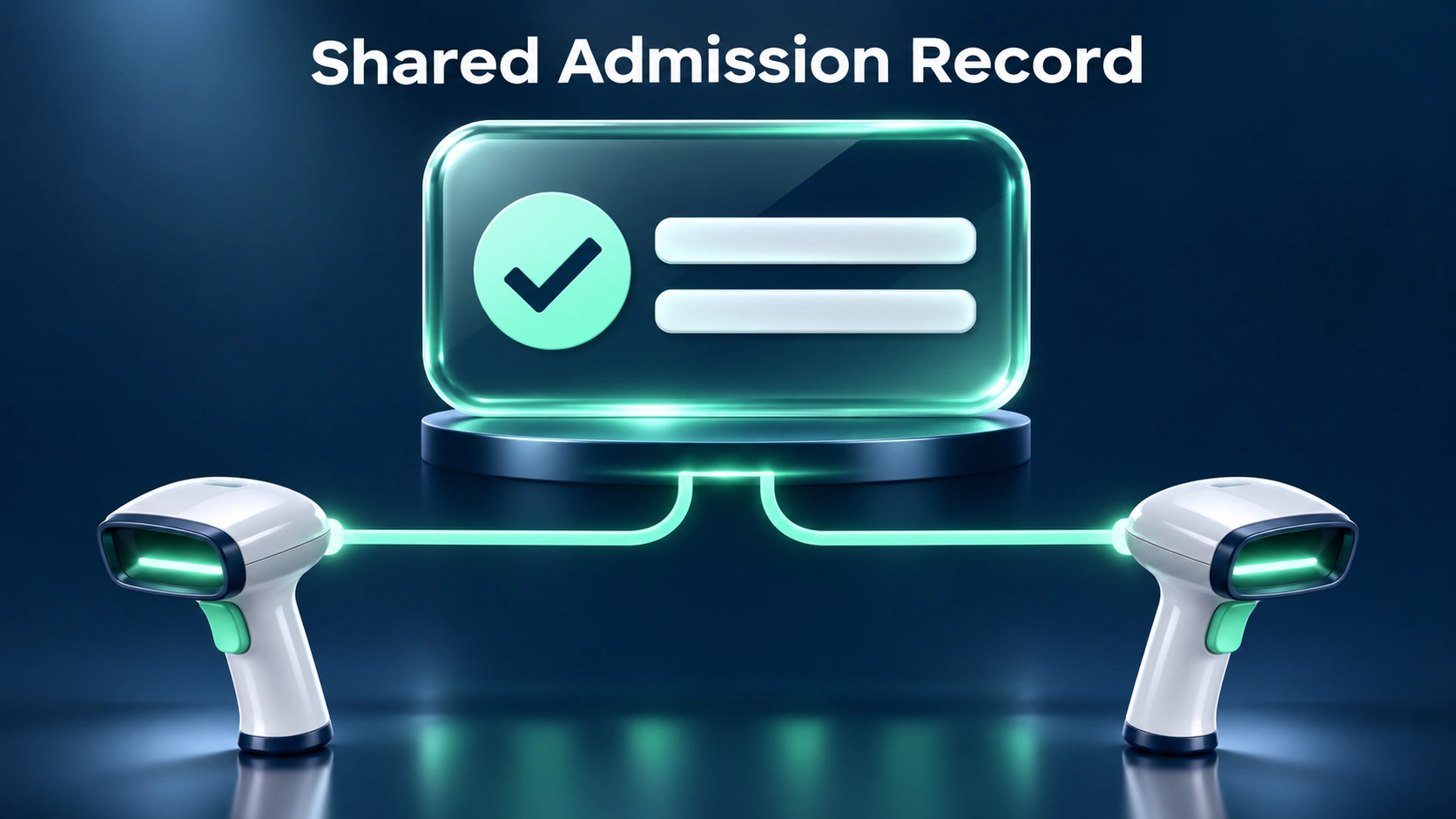
Where a provider supports offline admission, the organizer needs a demonstration covering the information available to the actual devices during a connection interruption. In applications supporting downloaded ticket records, examine the last synchronization time. If devices lose their shared connection, admission updates may remain local until synchronization resumes. Ask how the proposed arrangement handles a ticket that has already been checked on another disconnected device.
Your rehearsal needs to include a ticket issued after the last download, as well as a ticket whose status changed during the connection interruption. Record the observed responses with the provider’s approved staff instructions. Once connectivity is restored, confirm how the saved admissions are reflected in the shared record. Until the connection is restored, admission must follow the event’s agreed-upon interruption procedure, with a named person responsible for the decision to admit guests.
Resolve Exceptions Away from the Active Scan
Guests whose tickets require investigation need an assistance route approved by the venue, particularly when resolving the issue involves retrieving a booking record. In its entrance safety guidance, Britain’s Health and Safety Executive addresses crowd controls and access routes. UAE venues must establish their applicable local arrangements through the responsible team, so confirm where ticket staff will direct guests who require assistance.

For booking inquiries, restrict access to colleagues authorized to review the relevant records and use only the minimum customer information needed to resolve the issue. The order reference helps staff locate the purchase of a missing ticket. Check identification according to the event’s documented terms and applicable requirements. Once the inquiry is resolved, record the admission decision through the agreed ticketing procedure.
Read Admission Reports Against the Event’s Rules
Admission reports require a counting rule agreed upon with the provider, especially when a ticket permits return visits or includes multiple people in a group. Compare successful admissions with the number actually admitted. If the application records repeated attempts, keep those attempts separate from the accepted-entry count. Sales reports answer a different question concerning issued purchases and tickets whose holders have yet to arrive.
For current occupancy, the venue needs a method accounting for departures and admissions throughout the period being measured during the event. Entry-scan totals may include guests who have already left. Where exit records are available, agree how they contribute to the count. Retain authorized manual admissions alongside the relevant ticket references in the final reconciliation.
Questions Organizers Ask
Can a Screenshot Be Used for Admission
Screenshot acceptance follows the event’s ticket format, so guest instructions must state the accepted display method for the particular ticket being issued. For a changing app-based code, use the issuer’s supported application. Static PDF tickets may permit a saved display, subject to the event’s rules. Confirm the accepted format with the provider when preparing those instructions.
Does a QR Ticket Prove the Holder’s Identity
The ticket check evaluates the credential against admission rules, with identity verification handled separately whenever the event requires a named holder to attend. Ask which identification is accepted for the relevant category. If transfers are permitted, the ticketing team needs an approved procedure for updating the eligible holder. Explain the resulting entry requirements in guest communications.
Does a Payment Receipt Replace a Ticket
Payment evidence helps customer support investigate a booking, but admission requires the ticket or another credential accepted through the event’s authorized entrance procedure. If a guest arrives with a receipt, refer the purchase for verification. The support colleague must establish the order’s status and confirm the associated admission right. Record any resulting ticket issuance through the provider’s procedure.
Plan Your Ticket Verification with Someone’s Ticket
To confirm the admission setup for your event, contact Someone’s Ticket with the proposed ticket categories and their access rights. The demonstration needs to use your accepted ticket format, with a repeat-use test on the equipment proposed for the entrance. In the review, agree on the connection-interruption procedure and identify the admission supervisor authorized to decide exceptions on event day.
Admin
Event Ticketing