Plan accessible event seating and companion tickets in the UAE, pair places in the same booking, and check the route guests will use from gate to seat.
The wheelchair space and the chair next to it may occupy two lines in a sales sheet, but for the guests using them they form one booking decision. If the companion chair sells on its own, the map can still show a wheelchair space even after the pair has been split. To plan accessible seating and companion tickets, decide which positions belong together in the event layout and keep the same pairing visible at purchase and at admission.
Walk the Route Ahead of Map Design
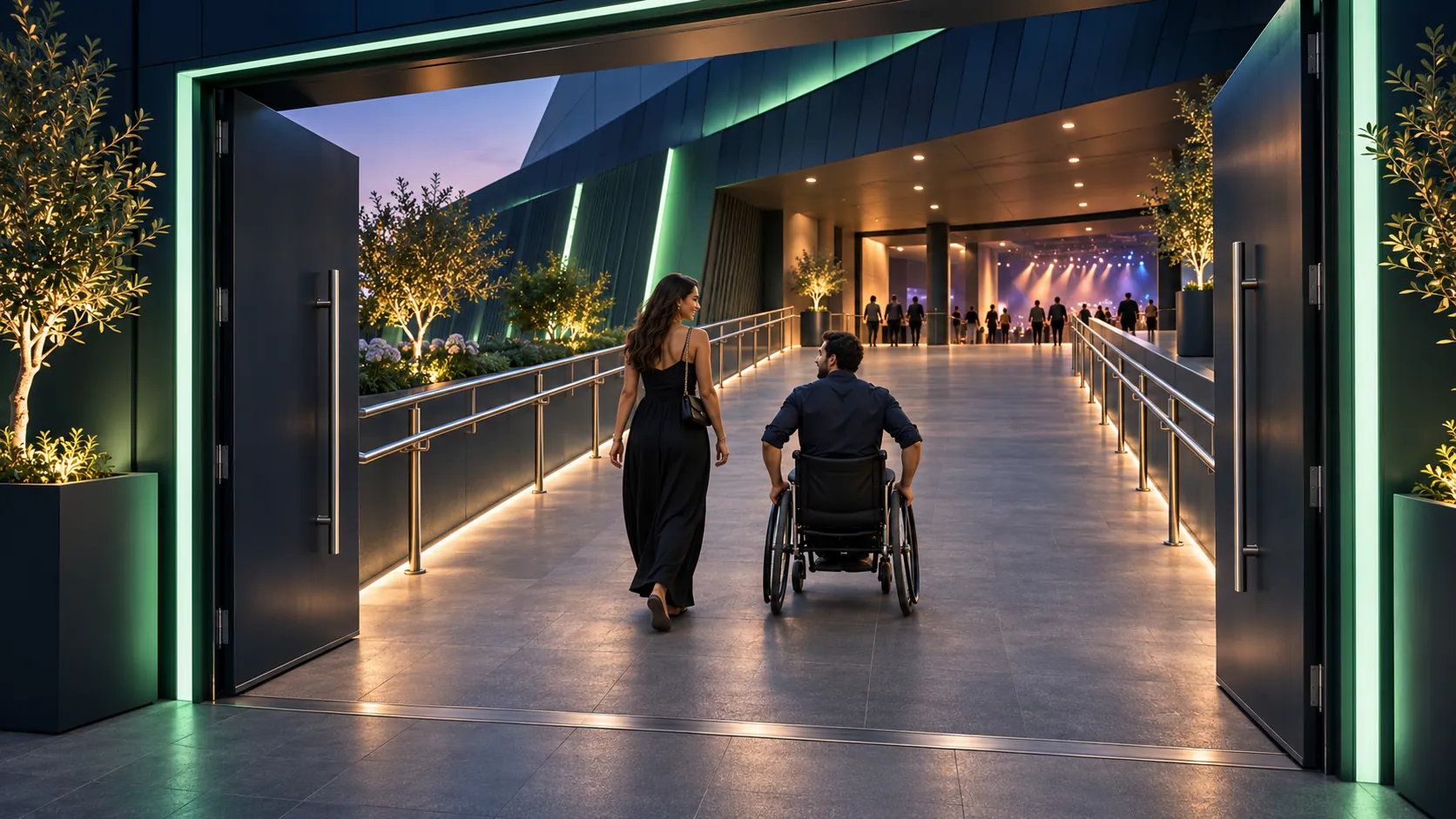
Start at the drop-off point or entrance the event listing will name, and follow the route a guest will actually take to reach the assigned space. Ask the venue team which doors will be in use and confirm any lift the route relies on. Production changes can affect the answer: equipment cases beside a door leave less passage, and a partition can redirect guests toward an entrance with stairs. Repeat the check once the hall has its show layout and again after a change to the route.
For guests selecting a position, the description should answer questions a color patch on a map leaves open. Check the view from wheelchair height when the seats in front are occupied, then discuss whether people are likely to rise during the show. Confirm the route to an accessible restroom and describe distances where a verified figure will help a guest decide. Instead of an undifferentiated label for accessibility, explain the actual provision at the position the buyer is considering.
Describe the Place and Its Neighbor
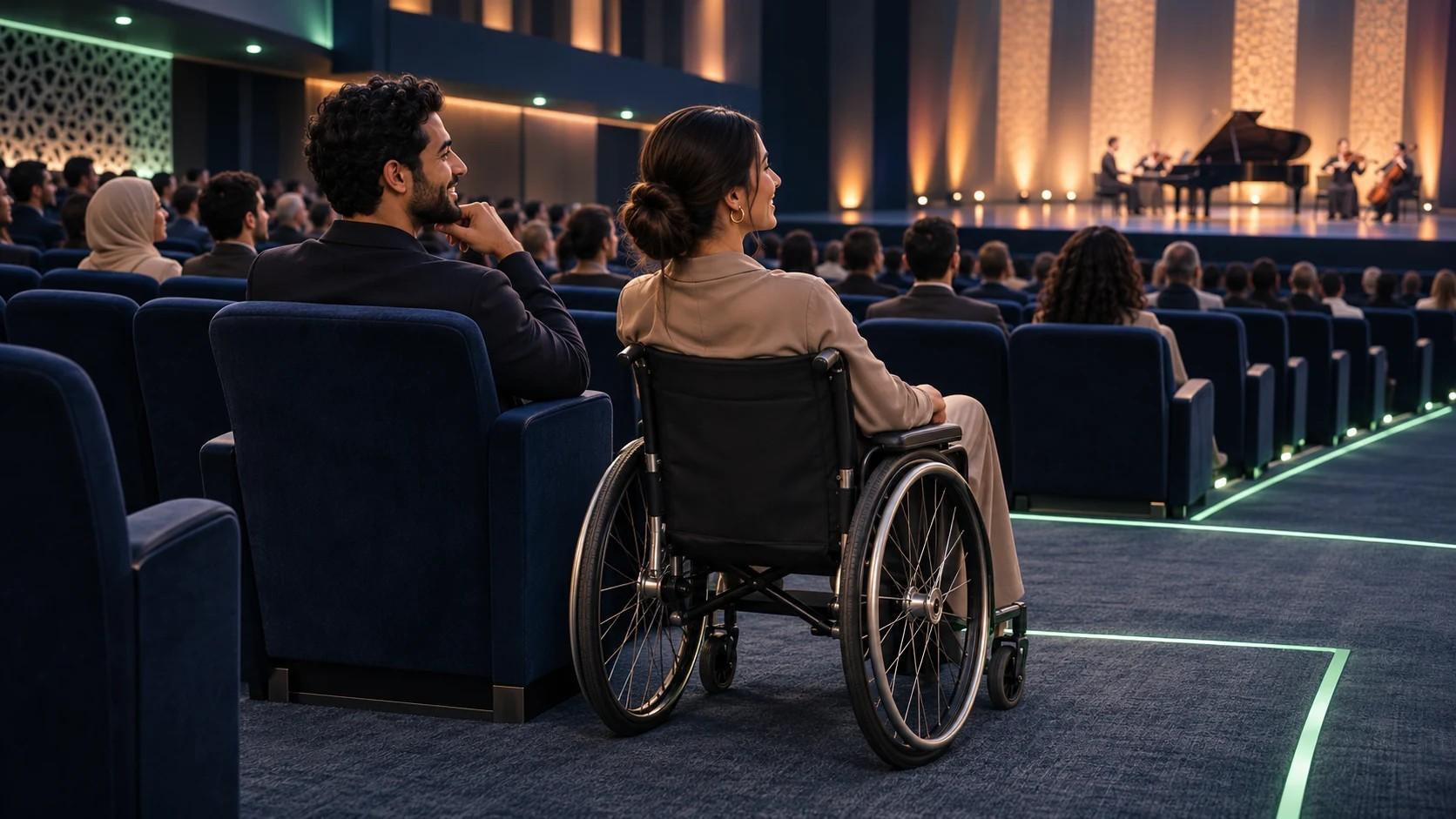
The sales team needs to know which option is a wheelchair space and which is a physical seat close to the aisle, since the two descriptions lead to different decisions for guests. Some buyers want to remain in a wheelchair throughout the event; others may want a seat with a route that suits them. Show the section and location in words. If an adjoining companion seat is available, identify it as part of the arrangement and state how other group members can check for nearby places.
Dubai Opera’s accessibility page describes designated spaces for wheelchair users and their carers, plus lift access to all levels. Its own description points to the effect of event configuration on where people can be seated. Etihad Arena’s FAQ directs guests to contact its team ahead of the event to arrange wheelchair-accessible seating. The two references are useful for different parts of an event page: one describes what guests will find at the venue, and the other specifies a route to arrange it.
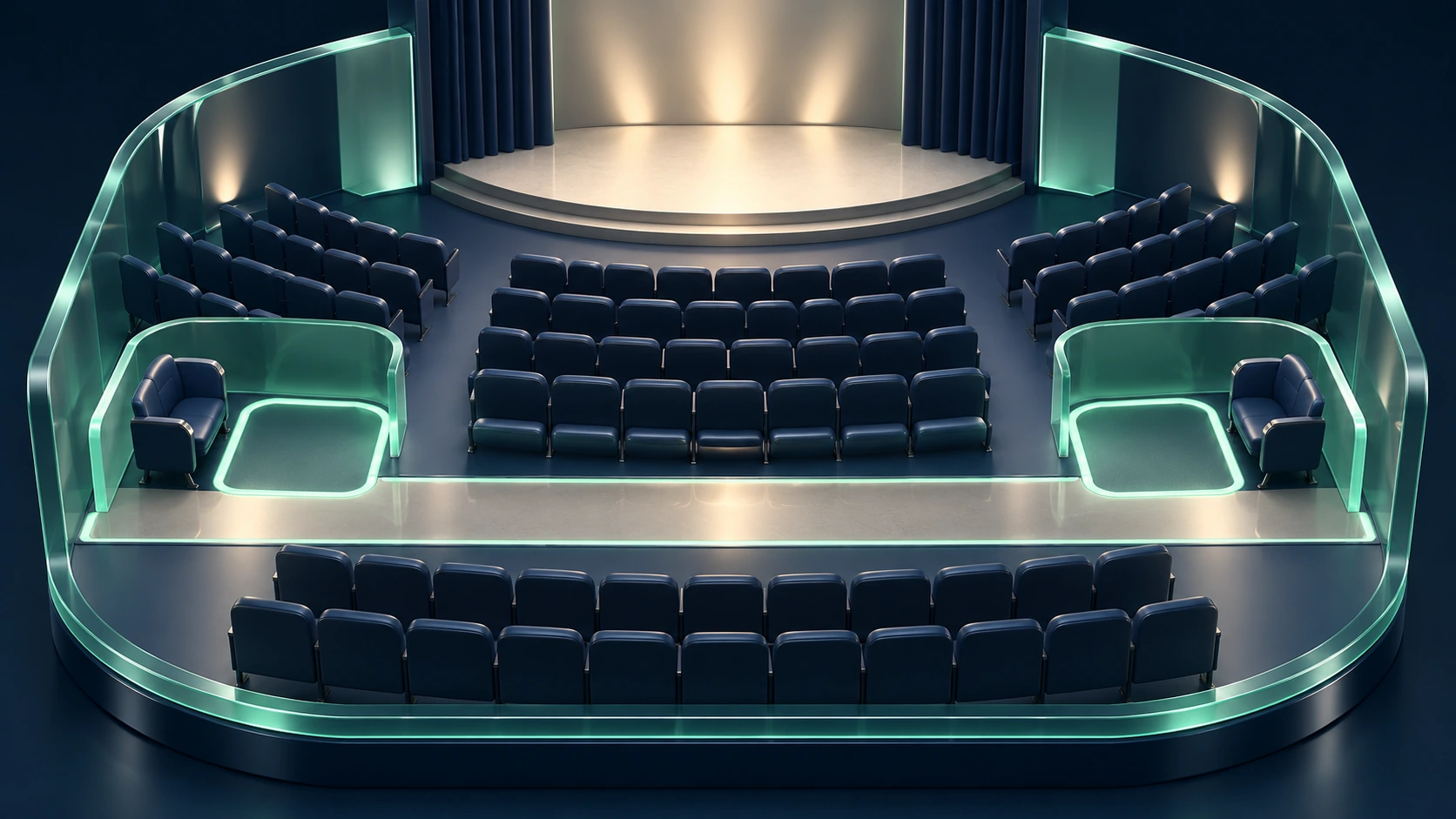
Keep Both Admissions Together
When the organizer intends to offer a wheelchair space with an adjoining companion chair, reserve them as a pair for that purchase and decide who can change either assignment. If a venue employee allocates the chair by phone, the ticketing team needs to see the allocation ahead of any further sale. Ask the provider to demonstrate the setup for your event. If staff will maintain the pair by hand, name the person who owns the inventory and settle how quickly updates reach everyone handling bookings.
Picture two requests arriving for the last available pair: one from someone at the box office and one through the event’s online purchase route. Is ownership determined when the space enters the basket or when the sale is confirmed? Settle which team handles an expired reservation, and check the seat map after releasing one. For an exchange, move the companion arrangement with the accessible place and confirm the new location to both guests where the booking permits separate contact.
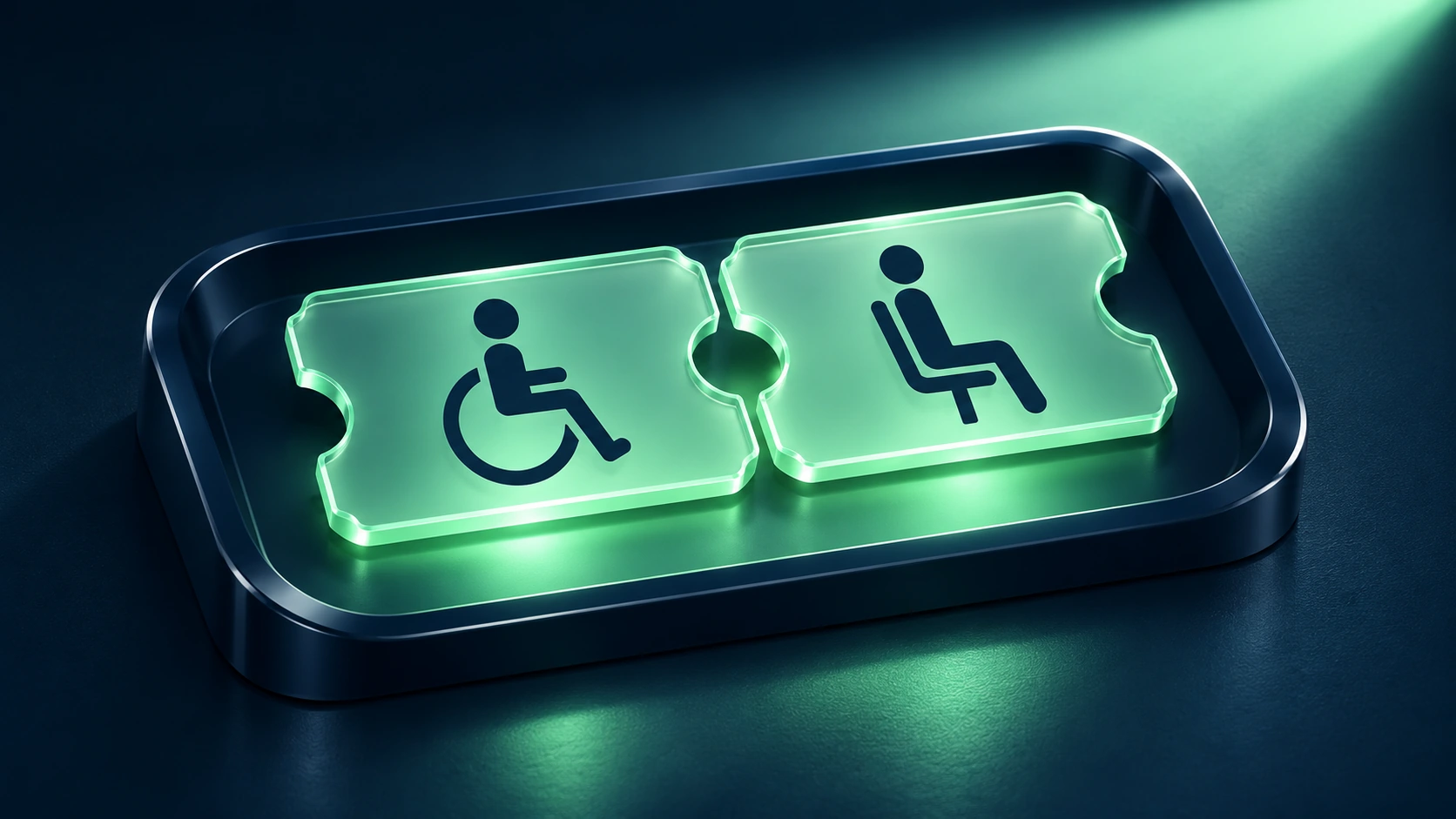
State the Companion Terms at Purchase
Guests need the companion price and any eligibility conditions while they are deciding whether to proceed with the accessible booking. Publish the rule beside the available place, together with the instructions for claiming the companion ticket. When the two admissions are issued separately, the confirmation should identify which place belongs to which ticket. If the event has several sessions, specify the session for both admissions so a later change can be checked against the right booking.
The Abu Dhabi Grand Prix accessibility FAQ says one companion ticket is free for wheelchair seating booked in suitable Main or North Grandstand areas. It states a companion ticket must be purchased for other locations. The distinction is specific to the organizer’s published policy for that event. For your event, agree the terms with the organizer and venue, then carry the same wording into the public listing and staff instructions.
Test the Booking from the Guest’s Side
Use a keyboard to locate the accessible option and select the pair, just as a buyer would on the live event page. Review the final selection at checkout and try changing it on the way back to payment. The W3C keyboard guidance explains why people who rely on a keyboard or comparable input need a way to complete actions available to mouse users. For a seat map, test whether a buyer can choose an option and tell which place is selected. Keyboard operation is one check; separately, check whether a screen reader announces the ticket type and location in terms the buyer can use.
If checkout needs staff assistance, place the relevant contact beside the seat information and state when someone can answer. The person on duty needs current availability and authority to confirm a pair. Ask for details relevant to the arrangement, such as whether a wheelchair position or an aisle seat is needed. Keep personal access requests in the appropriate support channel and share only the instructions the gate team needs to help the guest.
Share the Seating Plan with the Gate Team
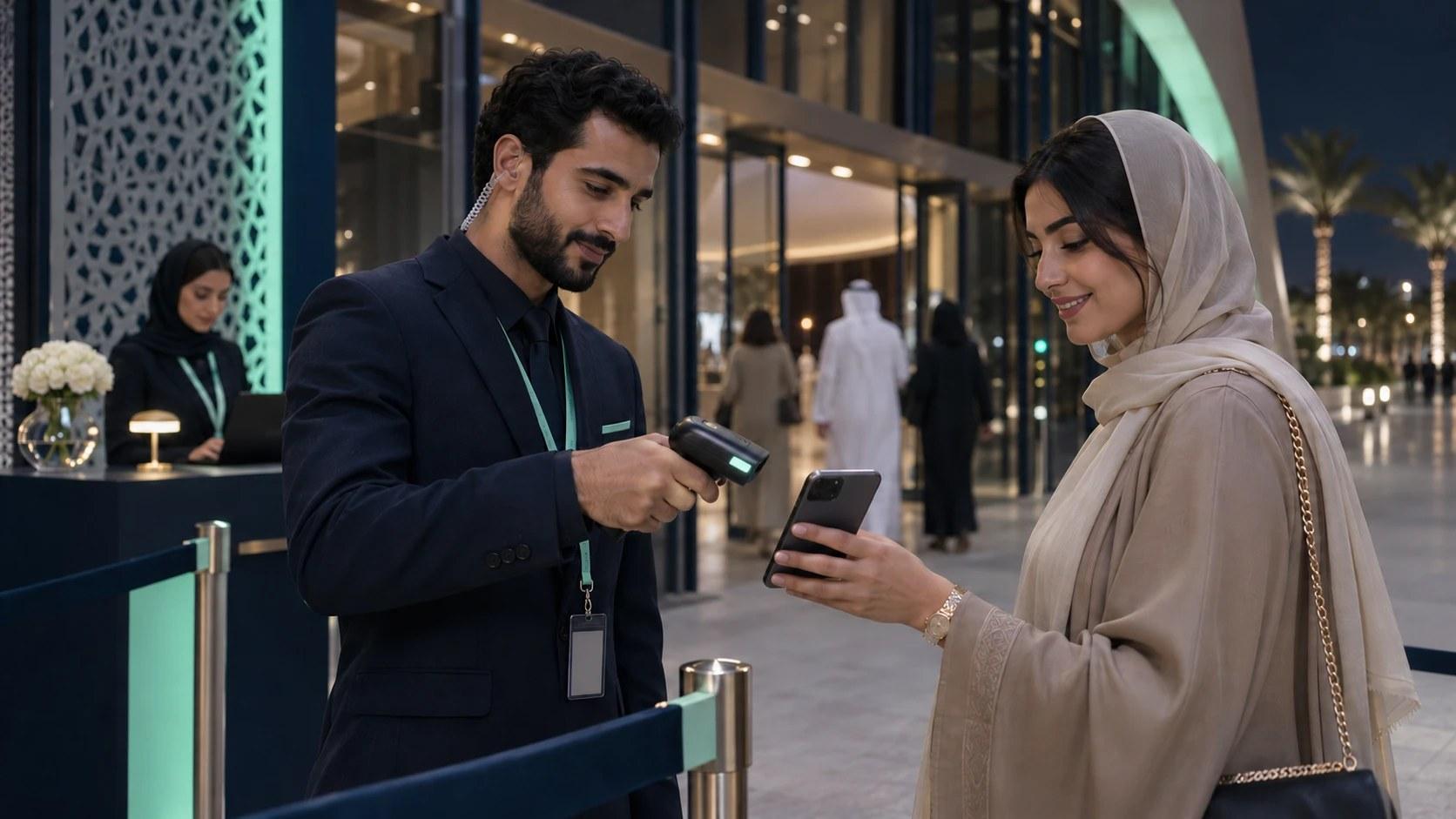
The person checking a ticket at the entrance should have the same location and seating instructions the guest received at purchase. If the normal route changes, assign someone to approve the updated directions and tell affected ticket holders. The gate team needs a contact who can check seating and admission together, especially when an usher sees an empty chair but the organizer has held it for a companion who plans to use a different entrance.
Someone’s Ticket’s purchase notice assigns seating allocation and availability to the event organizer. Discuss your venue’s approved layout and companion policy with the Someone’s Ticket organizer support team when planning the sale. Request a demonstration of a completed pair and the instructions guests receive for the event.
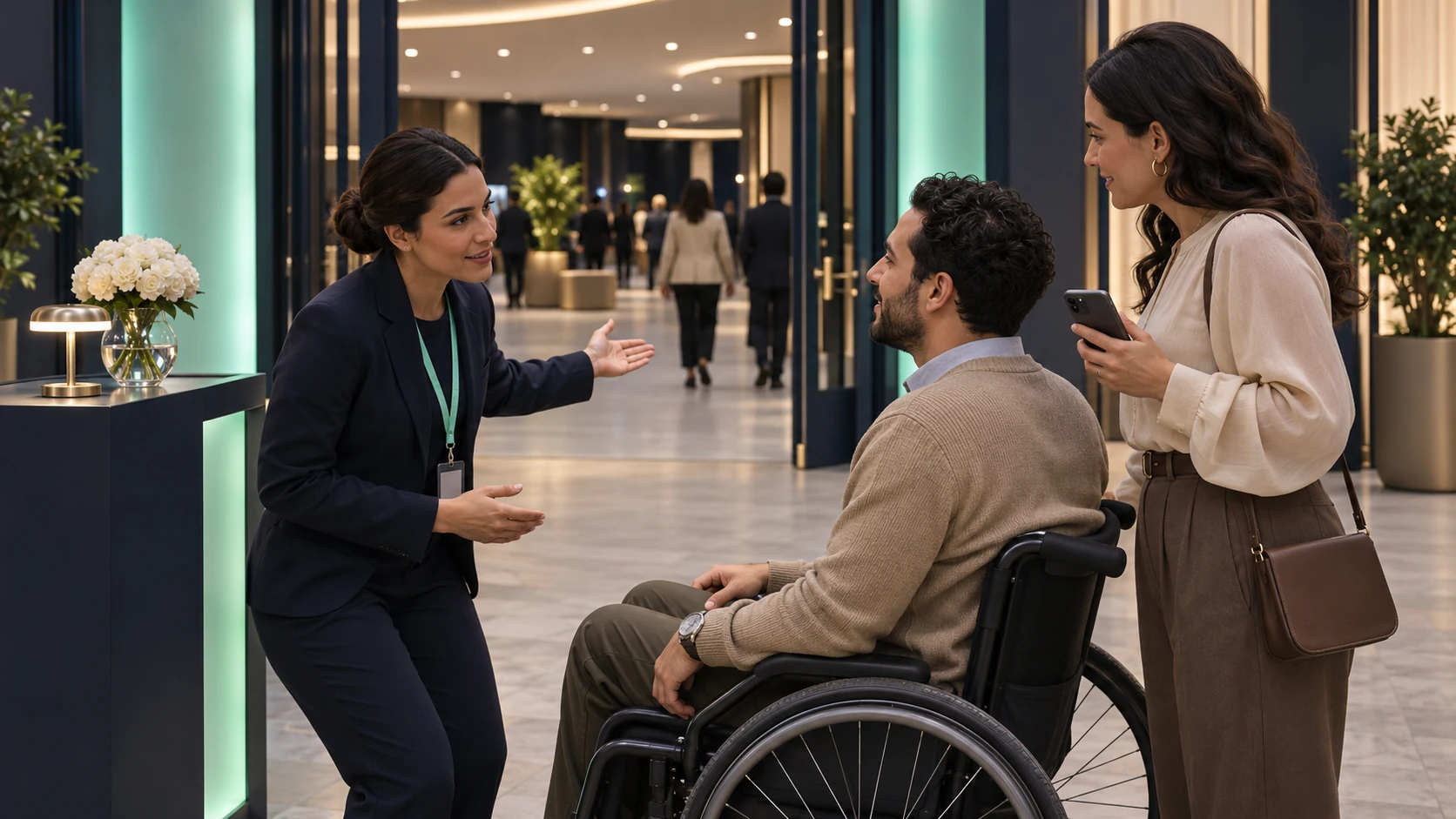
Check What Happens When the Layout Changes
When the production team moves a camera platform into a section with accessible places, block that section in the sales plan until the venue confirms the revised view and access route. Start by identifying affected bookings and attach the relevant companion locations to that review. The person speaking to guests needs to describe the replacement and where the companion will be seated. When the closest available pair has a different approach or a different view, explain that change and ask the buyer to confirm the proposed move.
Keep a record of the confirmed assignments for the box office and the person supervising the entrance, especially where a late change has moved guests between doors. If a booking email still points to the previous entrance, issue updated directions and make the venue contact easy to find. Once the doors open, send seat questions to the assigned supervisor instead of asking an usher to improvise a relocation.
Questions Organizers Hear from Buyers
Does an Accessible Ticket Include a Companion Ticket?
Check the event listing for the price and booking method tied to your seating area, since the organizer may include a companion admission or sell it as a separate ticket. Ask the listed contact to confirm the companion place ahead of travel when the ticket description leaves it unclear.
Can Other Friends Sit Nearby?
Ask the organizer which nearby seats are available for your session and whether the companion chair is adjoining or in another position. For a group booking, request the exact seat locations prior to payment if proximity affects the decision.
What if the Seat Map Shows the Space but the Companion Seat Is Missing?
Contact the listed booking team and ask them to check whether both places can be confirmed for the same session. Request a written confirmation of the arrangement and the entrance to use, particularly if the event lists several doors.
Admin
Event Ticketing