Learn the difference between event registration and ticketing, plus payments, digital tickets, QR check-in, sales tracking, and UAE event use cases.
Event registration and event ticketing often appear in the same conversation, yet they handle different parts of an event.
Registration collects attendee information. Ticketing adds commercial tools such as ticket pricing, payment processing, digital tickets, and access verification. Plenty of events use both, especially when organizers need guest data alongside paid admission.
The distinction matters more once an event grows. A private seminar with 40 guests has very different needs from a 5,000-person concert in Dubai. One may need names and contact details. The other may require multiple prices, live sales reports, QR code tickets, and fast entry.
Knowing where registration ends and ticketing begins helps event organizers choose technology that best fits the event.

What Is Event Registration?
Event registration collects information from people who plan to attend.
Guests usually complete an online form with details such as name, email address, company, or phone number. Organizers receive a record of registered attendees and can use it for event communication or guest administration.
Registration works especially well for conferences, business sessions, workshops, and invitation-based events. Many free events use an event registration platform because payment collection plays little or no role.
Attendee registration can still include useful options. Organizers may ask guests to select a session, meal preference, or access category. Corporate teams may request job title or company information.
The main purpose remains guest identification and attendance planning.
What Is Event Ticketing?
Event ticketing handles the commercial side of admission.
Organizers set ticket prices, ticket quantities, and sales periods. Buyers choose a ticket and complete payment through an online ticketing system. The platform then issues a digital ticket linked to the purchase.
Ticketing becomes especially useful for concerts, festivals, theatre shows, nightlife events, and paid business programs.
Someone’s Ticket gives organizers tools to sell event tickets online while keeping payment records, ticket inventory, and attendee information connected.
Digital tickets can carry QR codes for venue entry. Gate teams scan the code and confirm ticket status through the ticket verification system.
Event Registration vs Event Ticketing: Key Differences
Registration asks, “Who plans to attend?”
Ticketing asks, “Who purchased access and which access level did they buy?”
The difference sounds small until money enters the process.
Registration software usually centers on forms and attendee records. Ticket management adds pricing, payment processing, and digital admission.
Ticketing can include categories such as General Admission and VIP. Registration may simply reserve a place for a named guest.
Both can include event check-in. Ticketing usually connects check-in directly to a paid ticket record, which gives organizers tighter access management.
When Should You Use Event Registration?
Registration works well when attendance matters more than ticket revenue.
Corporate meetings are a common example. Guest information may be more valuable than payment collection. Training sessions, product presentations, and private business gatherings often follow the same model.
Free public programs can use online event registration to estimate attendance and communicate with guests.
Organizers gain useful attendee data early. Staffing plans become easier. Food quantities become easier to estimate. Event teams can prepare badges or seating plans based on registered names.
Registration is suitable for any event where the organizer needs to know who intends to attend.
When Does Your Event Need a Ticketing System?
Paid admission creates a strong case for an event ticketing platform.
Ticket pricing brings extra needs. Organizers have to manage inventory and payments. Buyers need proof of purchase and a valid entry pass.
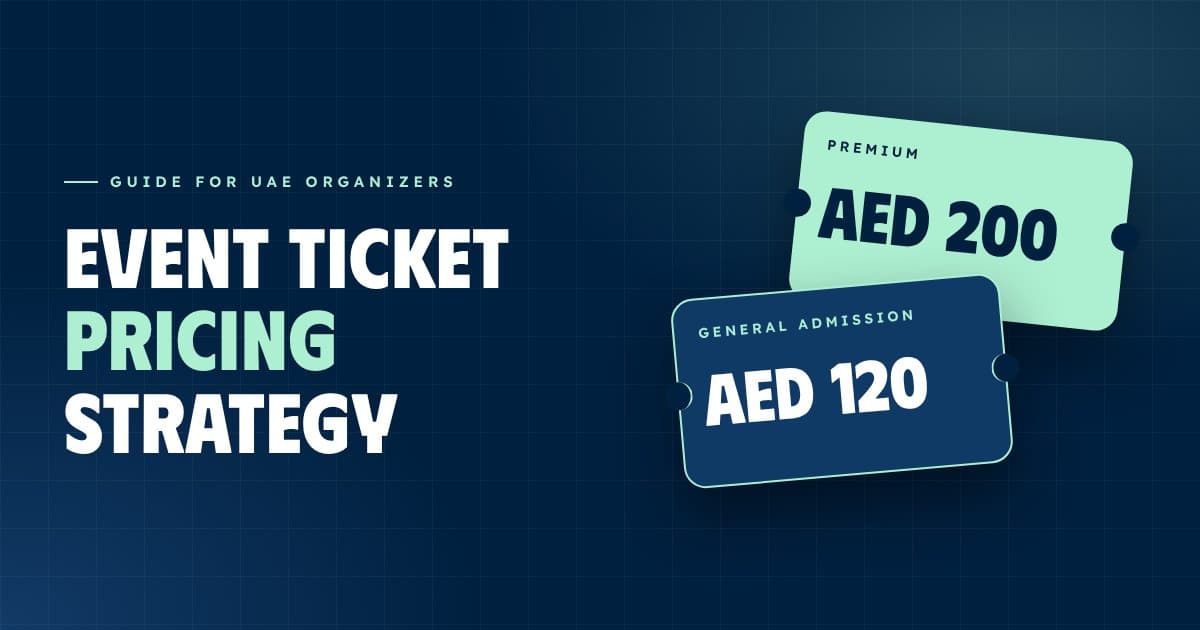
Concerts provide an obvious example. One event may offer Early Bird, General Admission, and VIP tickets at different prices.
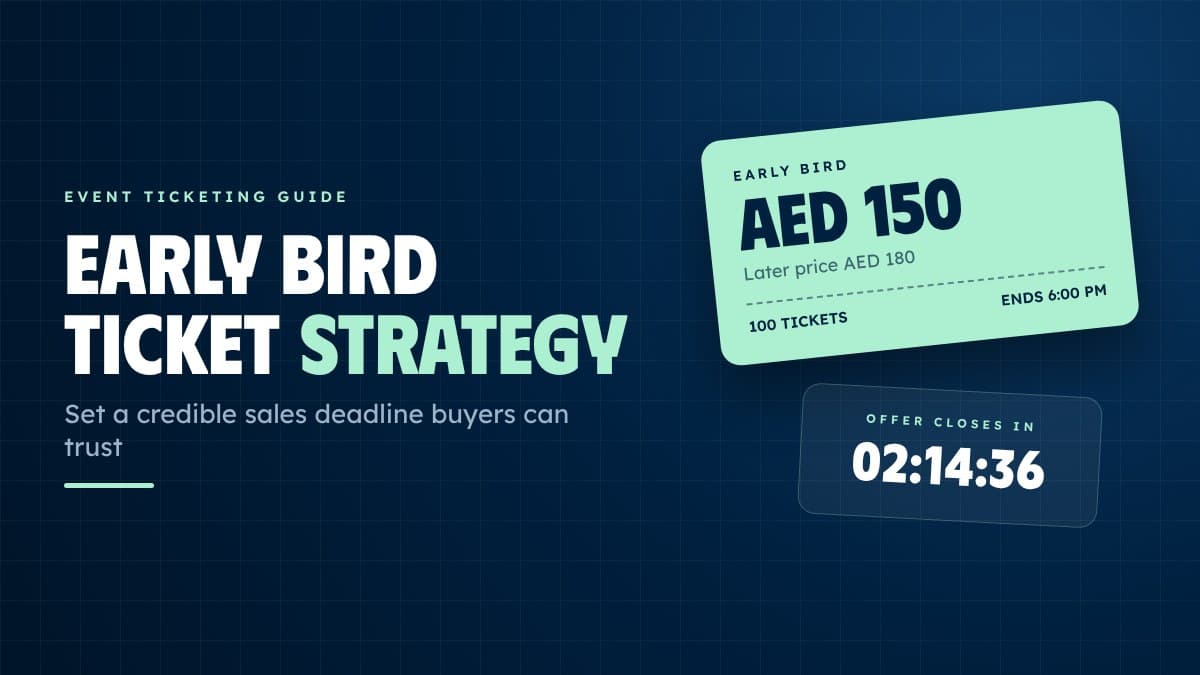
Ticket sales can also open in phases. Early prices may be available for a limited time, followed by standard pricing closer to the event date.
An online event booking system handles those changes while keeping sales records connected to buyer accounts.

Free Events vs Paid Events: Which System Works Best?
Free events often work well with event registration software. Organizers collect names and contact details while keeping the guest process short.
Paid events usually benefit from ticketing because payment and admission need to connect.
Some events sit between both models. A conference may offer free entry for invited partners and paid access for public attendees. Ticketing software can handle separate categories inside the same event.
The right choice comes from the event’s commercial model and access rules.
How Online Event Ticketing Works
Online ticketing begins when an organizer publishes an event and sets available ticket categories.
Buyers visit the event page and select access. Payment follows through the event payment processing system. Successful purchases create digital tickets for the buyer.
The organizer dashboard records ticket quantity and revenue.
Later, guests present mobile event tickets at entry. QR code tickets connect each pass to a purchase record. Staff scan the code and confirm access.
One digital process covers sales and entry.

What Features Should an Event Ticketing Platform Have?
Useful event ticketing software should give organizers direct access to the information they need during sales and event entry.
Ticket pricing tools matter. Inventory management matters too.
Real-time ticket sales help teams follow demand. Event analytics show how sales change over the course of the campaign.
Digital ticket delivery gives buyers quick access to their passes. QR code ticket scanning helps event teams process arrivals.
Secure event payment processing keeps purchases tied to valid ticket records.
Organizer access matters equally. Teams need an event management platform where ticket categories, sales numbers, and attendee information remain easy to review.
Registration, Payments, Digital Tickets, and QR Check-In
Paid events create a chain of connected actions.
Registration identifies the buyer. Payment confirms the purchase. Digital tickets provide proof of access. QR check-in records arrival.
Strong ticketing software keeps those records connected.
Someone’s Ticket lets organizers manage the buyer’s path within a single ticketing system. Guest information remains linked to ticket status, helping both sales teams and gate staff work from the same event data.
QR check-in becomes especially useful during busy arrival periods. Scanning a digital pass gives staff immediate ticket information and keeps guest entry moving.
How Event Organizers Can Track Ticket Sales and Attendees
Sales data becomes useful long before event day.
Organizers can see which ticket categories attract the most buyers and which dates produce the strongest sales.
Marketing teams can compare campaign activity with ticket movement. Event teams can review paid attendance and prepare staff around expected guest volume.
Attendee management continues on event day. QR scans provide arrival records that can be compared with total ticket sales.
After the event, the same data can help teams review attendance patterns and plan future ticket categories.
Choosing the Right Solution for Your Event in the UAE
UAE events range from private corporate programs to international concerts. Ticketing needs change with audience size, pricing, and venue access.
Event organizers should consider the entire process.
Does the event require payment? Does it have several ticket categories? Will guests enter through QR scanning? Does the team need live sales data?
Paid events in Dubai often benefit from a full-service ticketing platform because ticket sales and entry
management are closely integrated.
Corporate programs may place greater emphasis on attendee registration, especially when guest information is more valuable than ticket revenue.
One system can cover both when the platform handles registration and paid tickets inside the same event.
How Someone’s Ticket Simplifies Event Ticketing
Someone’s Ticket gives UAE event organizers a practical way to manage ticket sales from publication to entry.
Organizers can create ticket categories and set prices. Buyers can purchase digital tickets online. Sales information appears inside the organizer dashboard.
QR code tickets provide event teams with a direct method for scanning tickets at the venue. Payment records connect to valid passes, while attendee data helps organizers understand who purchased access.
The process is simple: set up the event, release tickets, sell them, and then check guests in.
Simplicity is valuable for an organizer with an approaching event date. The team can sell seats and admit guests confidently thanks to ticketing. Someone’s Ticket keeps those jobs close together.
Barbaros Bugra
Event Ticketing